Agent Quick Start
Jump to navigation
Jump to search
This guide will highlight some of the key information and procedures regarding Issabel Call Manager. This guide will briefly review Logging in to Issabel, Initial Setup, Ready/Not Ready States, Answering an Inbound Call, Dispositioning a Call, and Logging Out.
Login
- Step 1
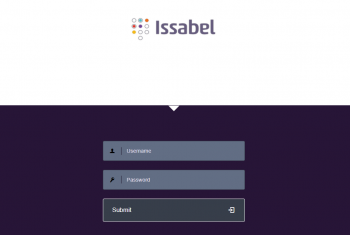
- Access the Issabel login page at Server URL ex. https://pbx1.callmanagerinfra.com and enter your username and password (received in an email).
- Step 2
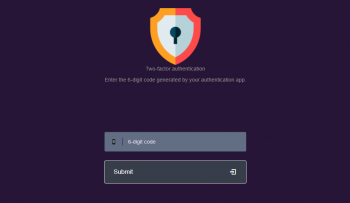
- An one-time password (OTP) is required as a second authentication factor. To get 6-digit (OTP) codes, add a new account in the Authenticator app of your choice; Microsoft Authenticator, Google Authenticator or Authy (with the account key received in an email).
- Step 3
- Finally enter your extension number in the password field. Make sure that your extension number is selected in the "Callback Extension" drop-down and the "Callback" box is checked.